
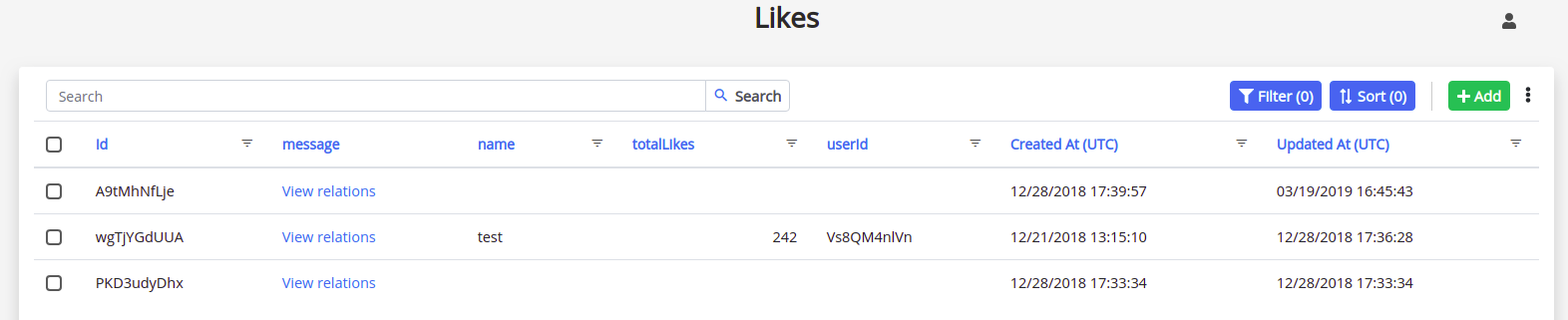
Hi! In this example, I have a class called "Likes" and I would like to hide the "userId" because this info is not relevant to the admin user:
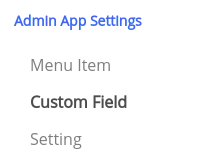
To do that, I need to go to Admin App Settings > Custom Field.
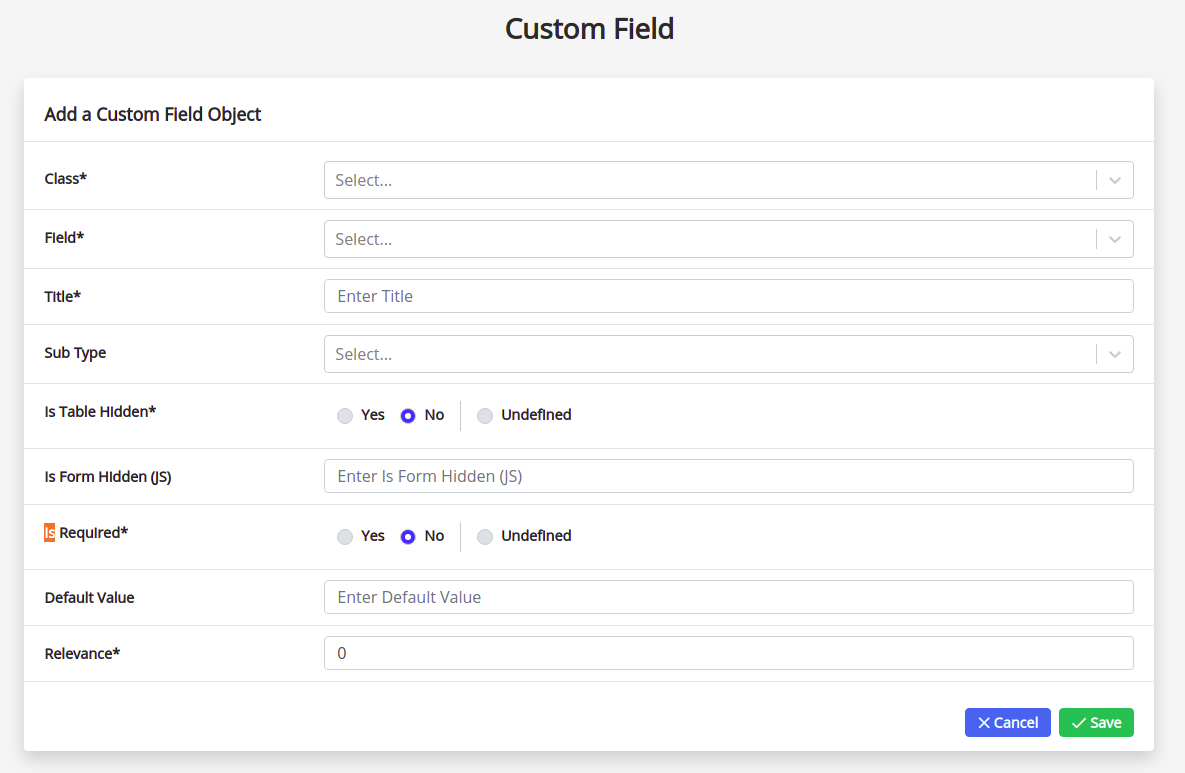
In this class, I will add a new row and customize according to my need (which is to hide the "userId" of the Likes class).
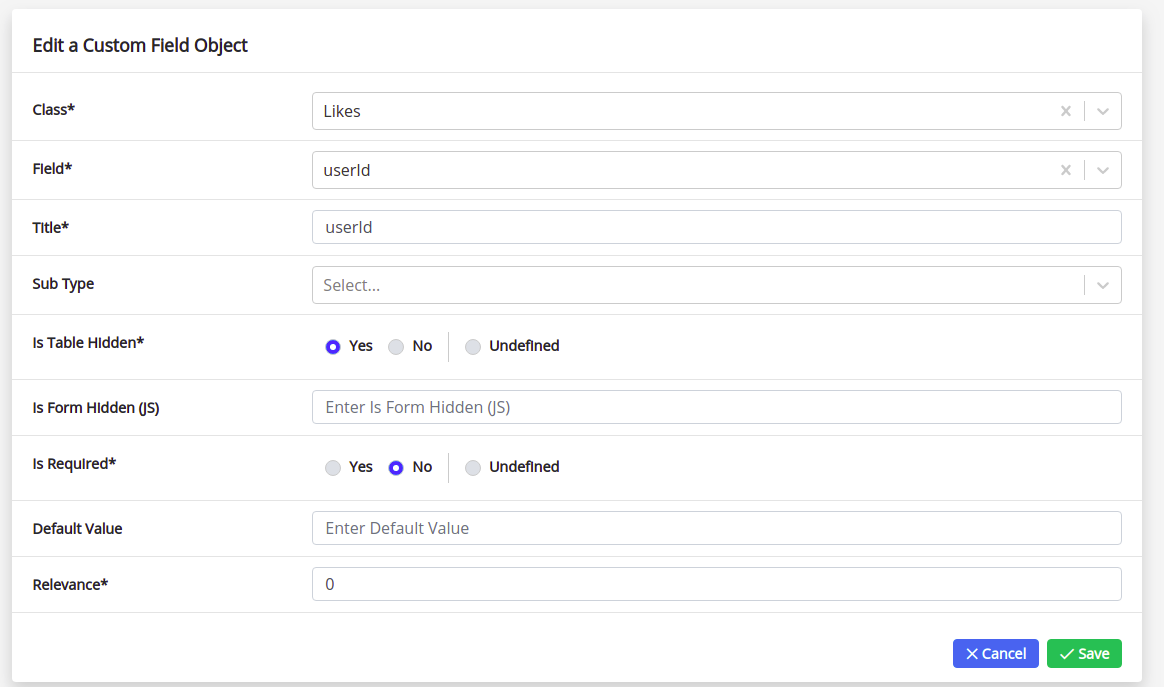
It will be like this:
Then, I can save now.
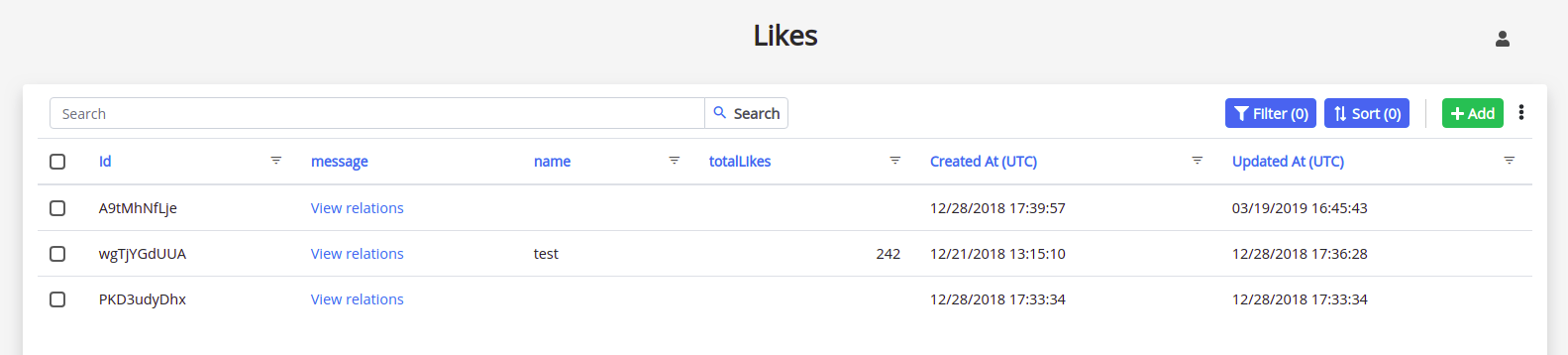
If I return to the "Likes" class, this column will be empty:
I hope I could have helped you with this guide.
Please, feel free to reach us if you have any question.
Comments
0 comments
Please sign in to leave a comment.